Top Conversion Optimization Tools for Agencies in 2026
Discover the top conversion optimization tools for agencies in 2026. Build a 4-layer CRO stack, compare pricing, and pick the right fit.
TL;DR
Agencies need 3-4 conversion optimization tools working together, not one magic platform. The smartest approach follows a four-layer stack: diagnose, observe, test, build, all sitting on top of a free analytics foundation. This guide reviews 10 tools through an agency-specific lens, covering multi-client management, real pricing, white-label reporting, and honest tradeoffs. Total stack cost ranges from under $200/month to $5,000+ depending on client volume and testing complexity.
Why Agencies Need a CRO Stack, Not a Single Tool
Average website conversion rates sit around 2-3%. That means over 95% of visitors leave without converting on a typical site, while top performers hit 10-11% or higher. The gap between average and excellent represents enormous revenue, and it’s the reason agencies sell CRO services in the first place.
Here’s the problem: the CRO tools market is projected to hit $5.07 billion in 2025, yet most businesses spend only $1 on conversion optimization for every $92 spent on customer acquisition. Agencies are supposed to bridge that gap, but the tooling reality is messy. No single platform covers diagnostics, behavioral analytics, A/B testing, and landing page building. Most agency teams buy 2-4 tools and stitch them together for $300-$5,000/month before they’ve optimized a single page.
The top conversion optimization tools for agencies aren’t the ones with the longest feature lists. They’re the ones that fit into a coherent workflow, scale across multiple clients, and produce deliverables that justify retainer fees.
Run a free page analysis to see how an AI-powered diagnostic fits into that workflow.
How We Evaluated These Tools
Every tool was assessed through an agency-specific lens. The criteria that matter most for agencies running CRO across multiple client accounts:
- Multi-client scalability: Can you manage several accounts without separate logins or compounding per-site fees?
- Client-ready reporting: PDF exports, white-label options, or presentation-ready outputs for stakeholder meetings.
- Speed to insight: How quickly can you generate actionable findings, during a sales call or within a retainer cycle?
- Script requirements: Does the tool need code installed on the client’s site, or can it work from a URL alone?
- Pricing transparency: Real numbers, not “contact sales” walls.
- Honest capability boundaries: What the tool does NOT do matters as much as what it does.
At-a-Glance Comparison Table
| Tool | Starting Price | Best For | Key Capability | Agency Features | Script Required? |
|---|---|---|---|---|---|
| Conversion Score | Free (Pro: $99/mo) | Fast AI page audits for client delivery | 6-pillar AI diagnostic with PDF reports | Unlimited audits, PDF exports, competitor analysis | No |
| Hotjar | Free (combined: up to $372/mo) | Behavioral insights before testing | Heatmaps + session recordings + surveys | Funnel visualization, feedback widgets | Yes |
| Crazy Egg | $29/mo | Budget heatmaps + basic A/B testing | 5 heatmap report types with simple testing | Unlimited domains and seats, priority support | Yes |
| Lucky Orange | Free (Grow: $72/mo) | Shopify and ecommerce client work | Behavioral analytics + live chat + form analytics | Real-time visitor dashboard | Yes |
| Microsoft Clarity | Free | Free heatmaps as a Hotjar alternative | Unlimited heatmaps and recordings | Rage click detection, no session caps | Yes |
| VWO | ~$314/mo | Structured A/B testing programs | Visual A/B, multivariate, and split URL testing | Agency-specific plans available | Yes |
| Convert.com | ~$99-$299/mo | Regulated industries (GDPR/CCPA) | Privacy-first testing with 40+ targeting filters | Agency Partner Program, multi-client management | Yes |
| Optimizely | ~$36K-$50K+/yr | Enterprise experimentation at scale | Server-side testing, feature flags, AI personalization | Full statistical rigor for complex experiments | Yes |
| Unbounce | $99/mo ($74/mo annually) | Paid traffic landing page campaigns | Drag-and-drop builder with Smart Traffic AI | Built-in A/B testing for landing pages | No (hosted pages) |
| Google Analytics 4 | Free | Baseline analytics foundation | Event-based conversion tracking | Audience insights, funnel exploration | Yes |
The 4-Layer Agency CRO Stack
Instead of treating these as a flat list, think about conversion optimization tools for agencies as layers in a workflow:
- Diagnose, Identify what’s broken before spending on behavioral data or tests
- Observe, Watch real user behavior to validate and deepen diagnostic findings
- Test, Run controlled experiments to prove which changes actually lift conversions
- Build, Create and deploy optimized pages
Every layer sits on a measurement foundation (analytics). Most agencies don’t need all 10 tools. They need the right one from each layer that matches their budget and client base.
Practitioners on Reddit consistently echo this: you don’t need 12 tools to optimize conversion rates. You need the right 3-4 for your stage, budget, and team’s skill level.
Layer 1: Diagnose
1. Conversion Score
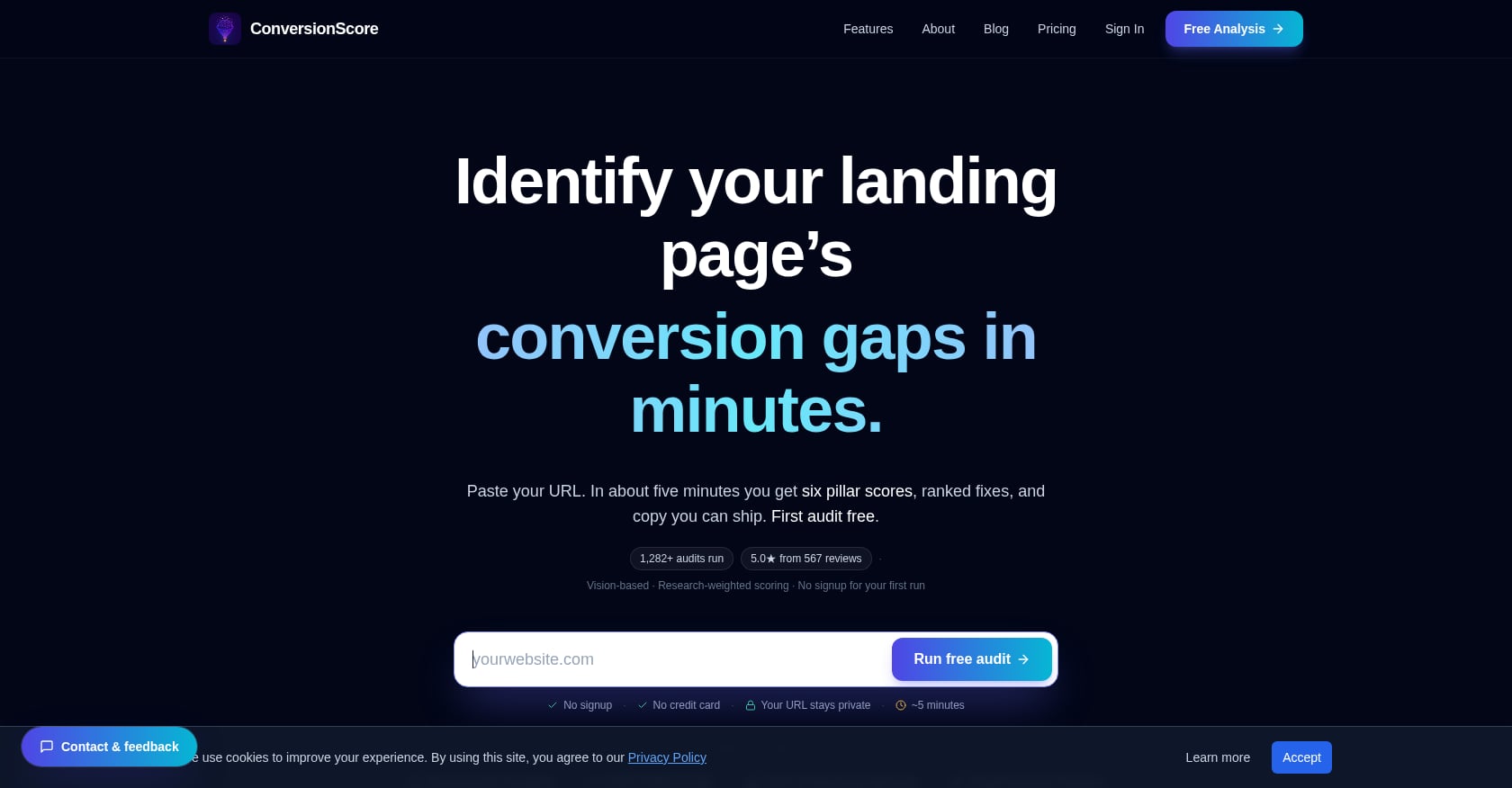
Best for: Agencies that need fast, client-ready page audits without installing scripts or waiting for traffic data.
Pricing:
- Free plan: one website analysis with top 2 insights, no credit card needed
- Pro Monthly: $99/month
- Pro Annual: $948/year (saves 2 months)
- Pro includes unlimited audits, full 6-pillar reports, competitor analysis, SWOT insights, AI expert chat, and PDF downloads
Key features:
- 6-Pillar ConversionScore™ audit covering Clarity & Value, Offer Strength, Trust & Credibility, Friction & Usability, Urgency & Motivation, and Visual Experience
- GPT-5 Vision + DOM analysis catches above-the-fold issues, mobile CTA problems, and weak trust signals
- Competitor side-by-side analysis for benchmarking against rivals
- SWOT insights for stakeholder alignment and roadmap planning
- AI expert chat to clarify findings and draft alternative copy
- One-click PDF report downloads for client delivery
- Audits complete in approximately 90 seconds to under 2 minutes
- No script installation required, just paste a URL
- Free CRO tools suite including an ROI calculator, A/B planner, CRO checklist, journey mapper, and UX audit
Why agencies care: The unlimited audits on Pro make this scalable for retainer workflows. If you manage 15 clients, you can audit all their key pages monthly without hitting caps. The PDF exports package findings for client sign-off meetings. And the speed (under 2 minutes) means you can audit a prospect’s site during a sales call to demonstrate value before they’ve signed anything.
The cost math is compelling. Traditional agency CRO audits run $5,000-$15,000 per engagement. At $99/month for unlimited audits, the per-client cost drops to almost nothing. For agencies billing CRO retainers, this margin is significant.
To understand what this type of structured audit covers, the six-pillar audit guide breaks down each scoring dimension.
Honest tradeoffs:
- Not a session-replay or analytics platform. No click maps or behavioral recordings, pair it with an Observe layer tool for that.
- Not a testing platform. You still need VWO, Convert, or Optimizely to run A/B tests and validate changes.
- AI heuristic audits can surface generic advice if the page’s strategy intentionally conflicts with best practices (for example, deliberately long-form sales pages). Operator judgment is still required.
- No public integrations directory. Improvement tracking relies on re-auditing after changes or using separate analytics.
Where it fits: Conversion Score fills a gap that most CRO tool lists ignore entirely: pre-test diagnostics. The standard workflow is observe, test, optimize. But the step that should come first, diagnosing what to test, is usually done manually or skipped altogether. This tool sits at the front of the agency workflow and feeds priorities into every tool that follows.
For a deeper comparison of this approach versus traditional behavioral testing, see AI analysis vs. traditional testing.
Layer 2: Observe
1. Hotjar (now Contentsquare)
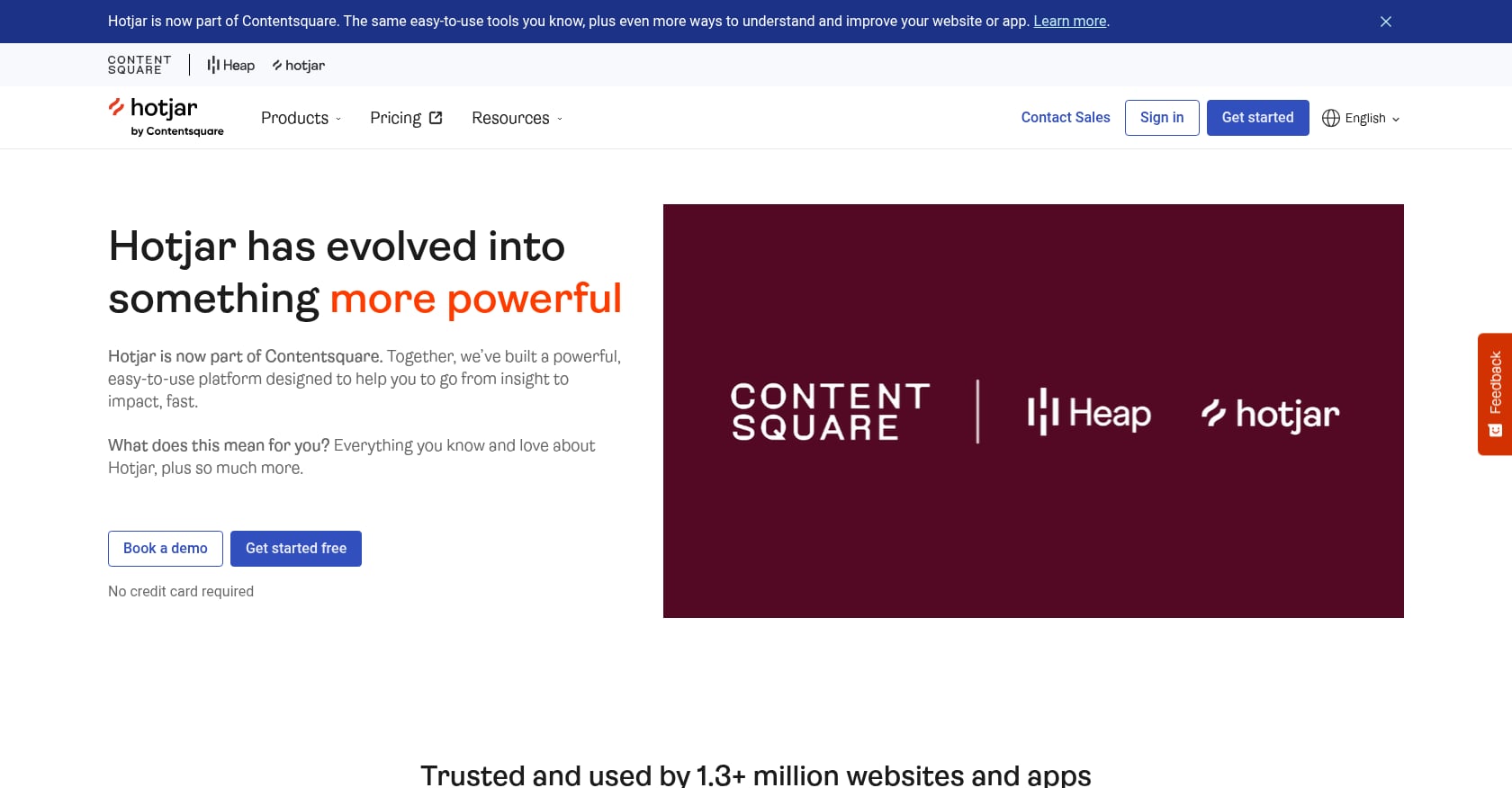
Best for: Agencies that need behavioral insights (heatmaps + session recordings) to build audit cases before testing.
Pricing:
- Two separate products priced independently: Observe (heatmaps, recordings, funnels) ranges from free to $213/mo; Ask (surveys, feedback) ranges from free to $159/mo
- Most teams need both, bringing the combined cost to $0-$372/mo
- Important: since the Contentsquare acquisition, Hotjar’s standalone plans are being folded into the broader Contentsquare platform, creating pricing uncertainty
Key features:
- Heatmaps, session recordings, and funnel visualization
- Feedback surveys and user interviews
- Rage click and confusion detection
- Integration with most analytics and testing platforms
What users say: Hotjar holds a 4.3/5 rating on G2 from over 1,000 reviews. The pricing structure receives mixed opinions. While some users appreciate the flexibility of separate product tiers, others find the model confusing, especially after the Contentsquare merger shifted things around.
Honest tradeoffs:
- No A/B testing, no page builder, no personalization capabilities
- Free tier captures only 35 sessions per day, which is not enough for most agency client work
- Session-based pricing means agencies managing multiple client sites face compounding costs
- The Contentsquare transition means legacy pricing and feature sets may change
Agency reality check: Hotjar is excellent for building the behavioral evidence case that justifies a testing program. It answers “what are users actually doing?” which complements the diagnostic “what should they be doing?” from audit tools. But it’s purely observational. You can’t act on findings within Hotjar itself.
2. Crazy Egg
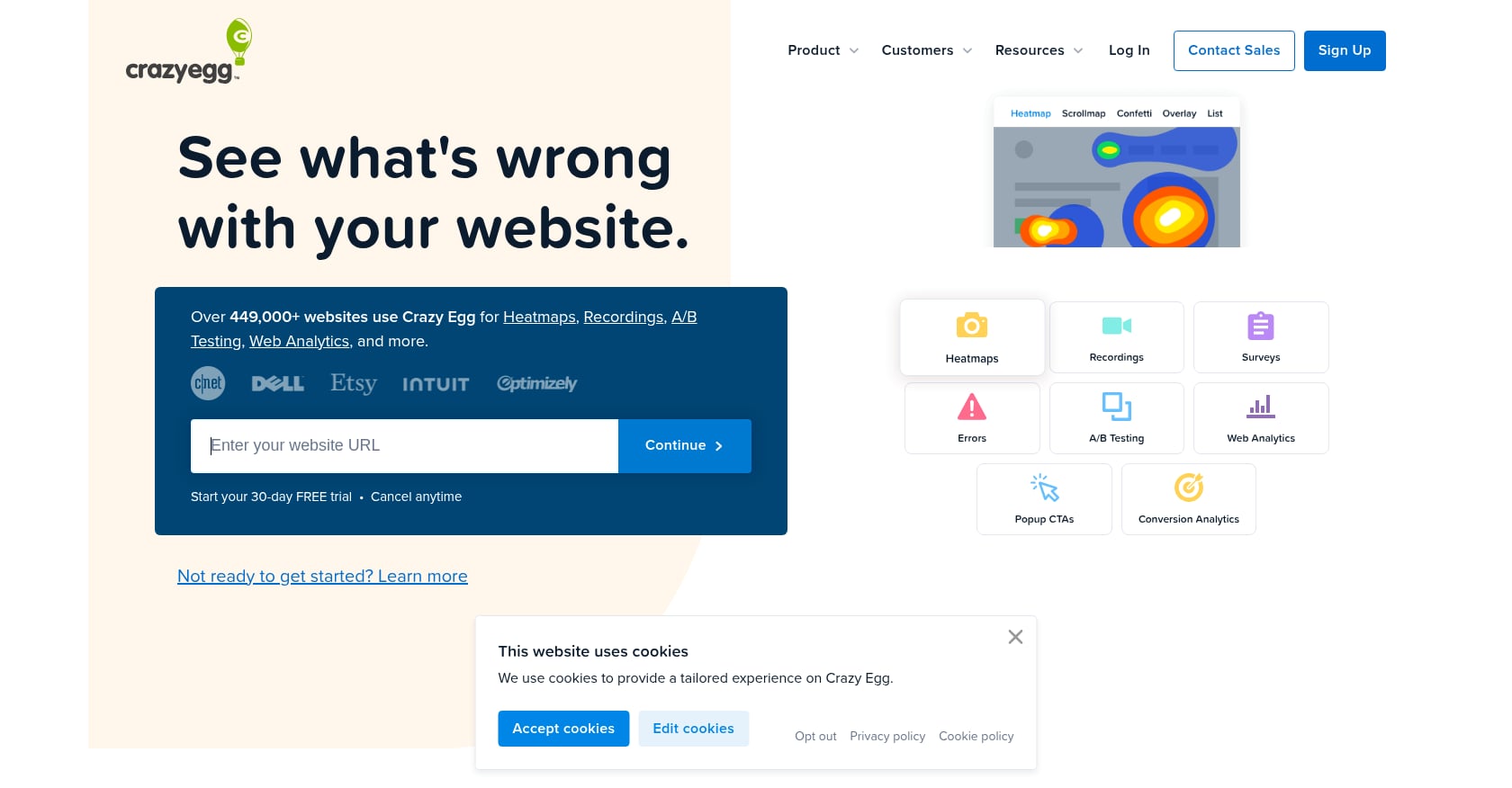
Best for: Budget-conscious agencies wanting heatmaps and basic A/B testing in one affordable tool.
Pricing:
- Plans start at $29/month and scale to $599/month for Enterprise
- All plans require annual billing (no month-to-month option)
- Plans include unlimited website domains and unlimited seats with role-based access control
Key features:
- Five heatmap report types including confetti reports
- Scroll maps and session recordings
- Basic A/B testing built in
- AI-assisted insights for faster interpretation
What users say: Capterra and G2 reviewers consistently note it’s “not as robust as enterprise CRO solutions, but also a lot cheaper.” The A/B testing works for simple page-level tests but lacks multivariate testing and advanced statistical controls. Power users tend to outgrow it within 6-12 months.
Agency angle: Crazy Egg offers flexible pricing for agencies, including shorter-term plans and free pilots for early clients. Agencies also get priority support from their marketing strategy team at no extra cost, which is unusual for a tool at this price point.
Honest tradeoffs:
- Annual billing only, no flexibility if a client churns mid-contract
- A/B testing is basic compared to VWO or Optimizely
- Page-specific tracking setup required (no auto-tracking across an entire site)
- No free plan, though a 30-day trial is available
3. Lucky Orange
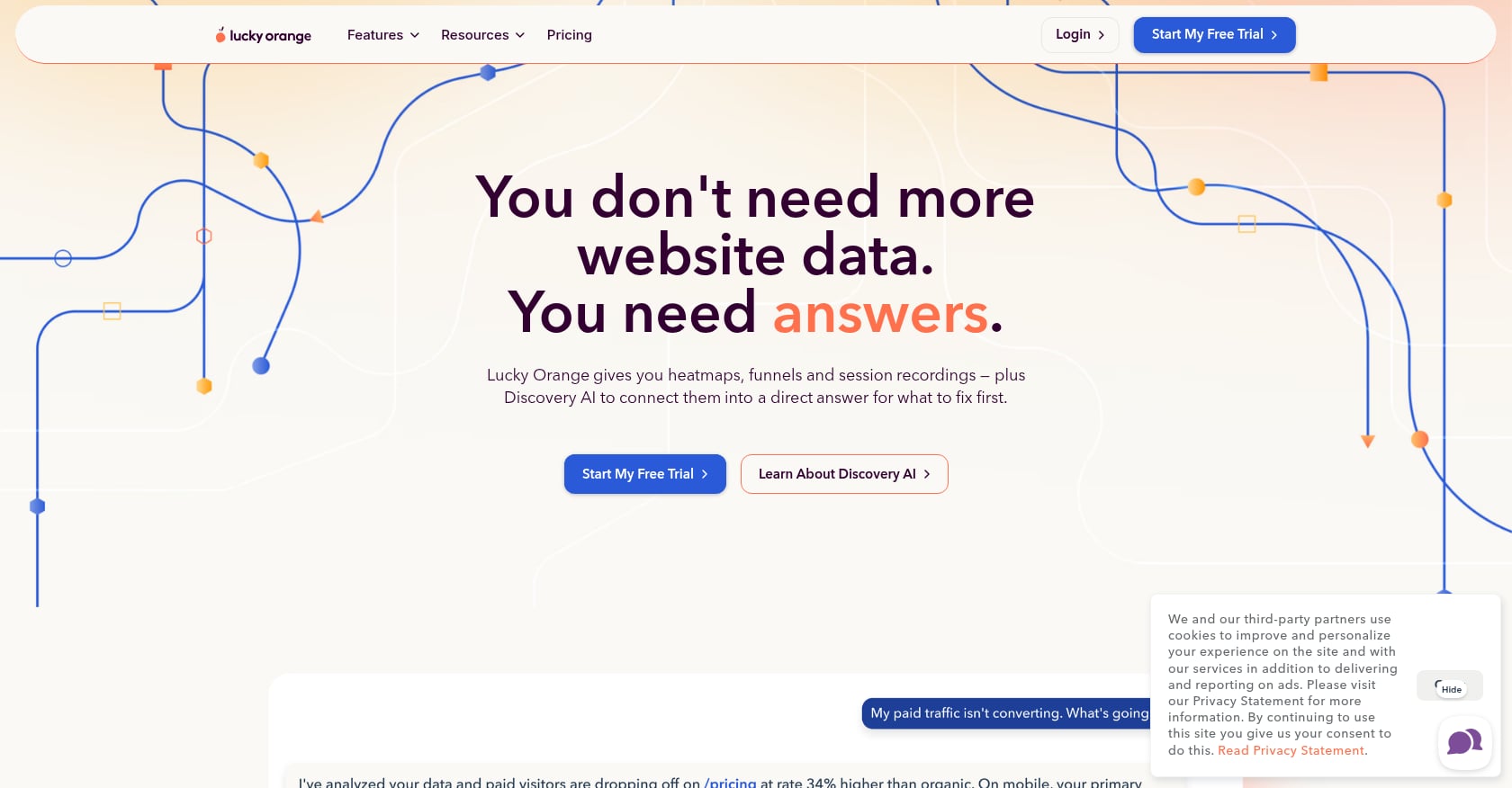
Best for: Agencies working with Shopify or ecommerce clients who want behavioral analytics with live chat bundled in.
Pricing:
- Free plan available ($0/mo)
- Grow: $72/mo (paid annually) for up to 10,000 monthly sessions
- Scale: $839/mo
- Enterprise: custom pricing
- Yearly billing saves 20%; 7-day free trial offered
Key features:
- Heatmaps, session recordings, and form analytics in one platform
- Live visitor view lets you watch navigation in real time
- Live chat can be initiated directly while watching a visitor’s session
- Surveys and feedback collection
- Real-time visitor dashboard
What users say: G2 reviewers praise the ease of use and intuitive interface. Heatmaps and session recordings are particularly valued. The live chat integration is a genuine differentiator for ecommerce agencies running Shopify stores where real-time intervention can save abandoned carts.
Honest tradeoffs:
- No A/B testing built in
- Session limits don’t scale well with growing traffic; pricing can feel high for the sessions included
- Less sophisticated segmentation than Hotjar or Contentsquare
- Primarily useful for ecommerce; less relevant for SaaS or lead-gen agencies
4. Microsoft Clarity
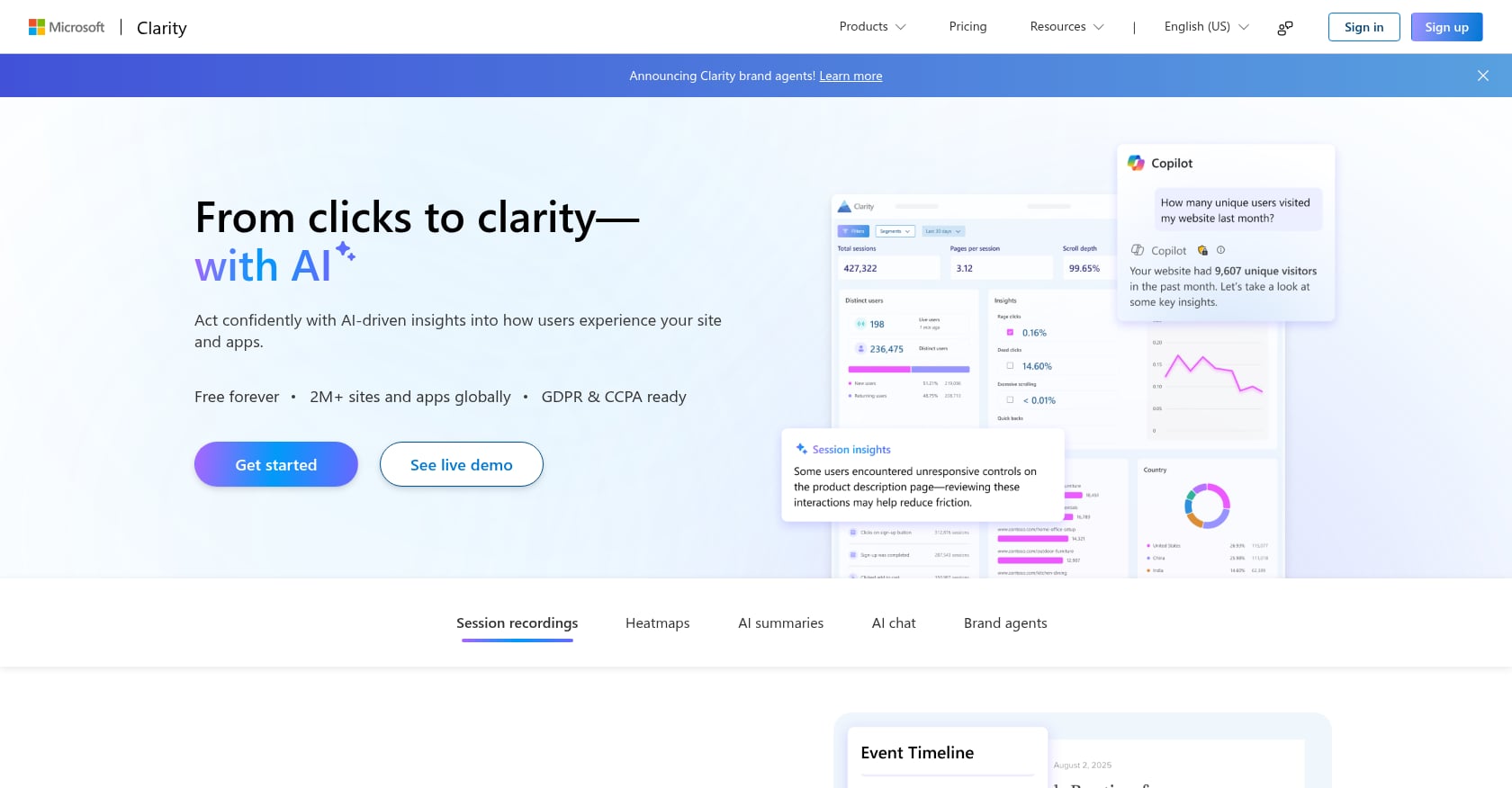
Best for: Agencies wanting free heatmaps and session recordings as a zero-cost behavioral analytics layer.
Pricing: Completely free. Unlimited sessions. No premium tier.
Key features:
- Unlimited heatmaps and session recordings at no cost
- Rage click and dead click detection
- Integration with Google Analytics
- No session caps, ever
The smart play for agencies: Practitioners on various forums point out that if you only need heatmaps and session recordings, paying for Hotjar’s Observe product is a premium you don’t need. Starting with Clarity for behavioral data and layering Hotjar’s Ask product for surveys is more cost-effective for most SMB-focused agencies.
Honest tradeoffs:
- No surveys, no form analytics, no user feedback collection
- No A/B testing
- Limited segmentation compared to paid tools
- No dedicated agency features or multi-client management interface
Mobile conversion rates average around 1.53% compared to 4.14% for desktop, making mobile behavioral observation critical. Clarity’s unlimited recordings make it practical to review mobile sessions at scale without worrying about caps. For strategies to close that mobile gap, the mobile-first conversion strategies guide covers the key tactics.
Layer 3: Test
This is where agencies validate whether diagnostic findings and behavioral observations translate to real lifts. A critical caveat: A/B testing requires meaningful traffic. You need at least 10,000-20,000 monthly visitors per page to reach statistical significance in a reasonable timeframe. For agencies with smaller clients, AI-powered diagnostics and heuristic audits provide actionable direction without the traffic requirement.
That said, 77% of companies run A/B tests on their websites, and AI-powered testing now reaches statistical significance 31% faster (14 days on average versus 21 for traditional tools). The testing layer remains essential for agencies serving mid-market and enterprise clients.
Also worth noting: Google shut down Google Optimize on September 30, 2023. It was the only free A/B testing tool with real adoption, and millions of marketers lost their testing workflow overnight. Most small and mid-size marketing teams just stopped running tests. This created a painful gap for agencies serving SMB clients, and no free replacement has emerged.
Use an A/B test planner to scope experiments before committing to a paid testing platform.
1. VWO (Visual Website Optimizer)
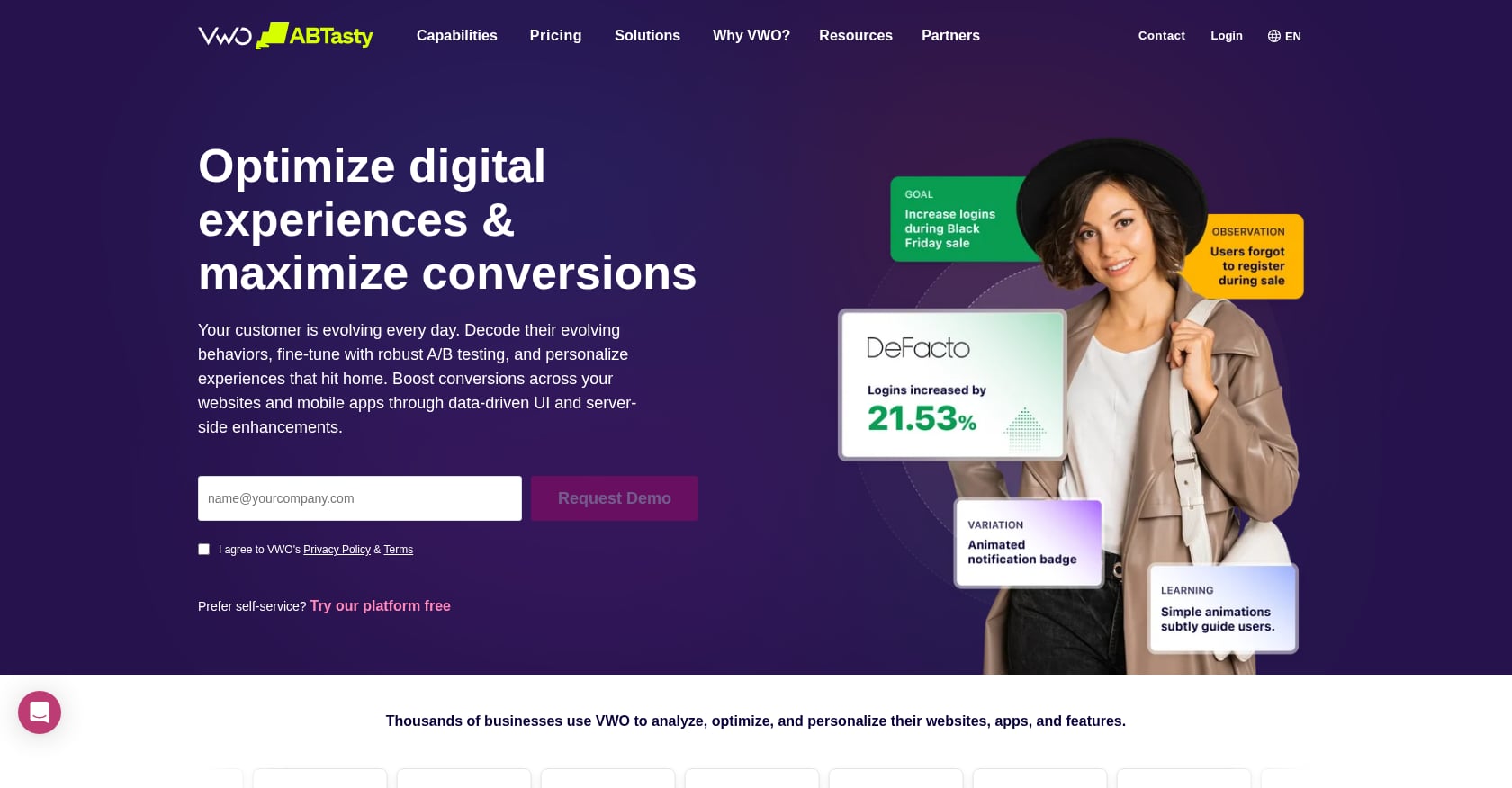
Best for: Mid-market agencies running structured A/B testing programs across multiple clients.
Pricing:
- Starts at approximately $314/month (billed annually) for up to 10,000 monthly tracked users, limited to VWO Testing only
- The median VWO customer pays $16,660/year based on 93 verified purchases
- Average 20% discount available through negotiation
- Free Starter plan exists but is significantly limited
- 30-day trial available
Key features:
- Visual A/B and multivariate testing with WYSIWYG editor
- Split URL testing
- Heatmaps, click maps, scroll maps, and session recordings included
- Pay-per-need modular pricing (Testing, Insights, Data360, Plan)
- Special agency plans available with multi-client management
What users say: TrustRadius reviewers note that “VWO provides the right balance between cost and capability for our agency.” However, other users report it’s “expensive compared to alternatives, especially for mid-market companies” with “limited testing and analytics features on basic paid plans.” Users who moved away from VWO cite lower total cost of ownership with simpler tools, noting VWO often requires a specialized consultant or developer to manage properly.
Honest tradeoffs:
- VWO’s SmartCode snippet reportedly adds 2-3 seconds to test variation loading times, and flickering is a common complaint
- Real costs often exceed the published starting price (that $16,660/year median tells the story)
- Requires technical knowledge for complex implementations
- Basic paid plans are more limited than the feature list suggests
2. Convert.com
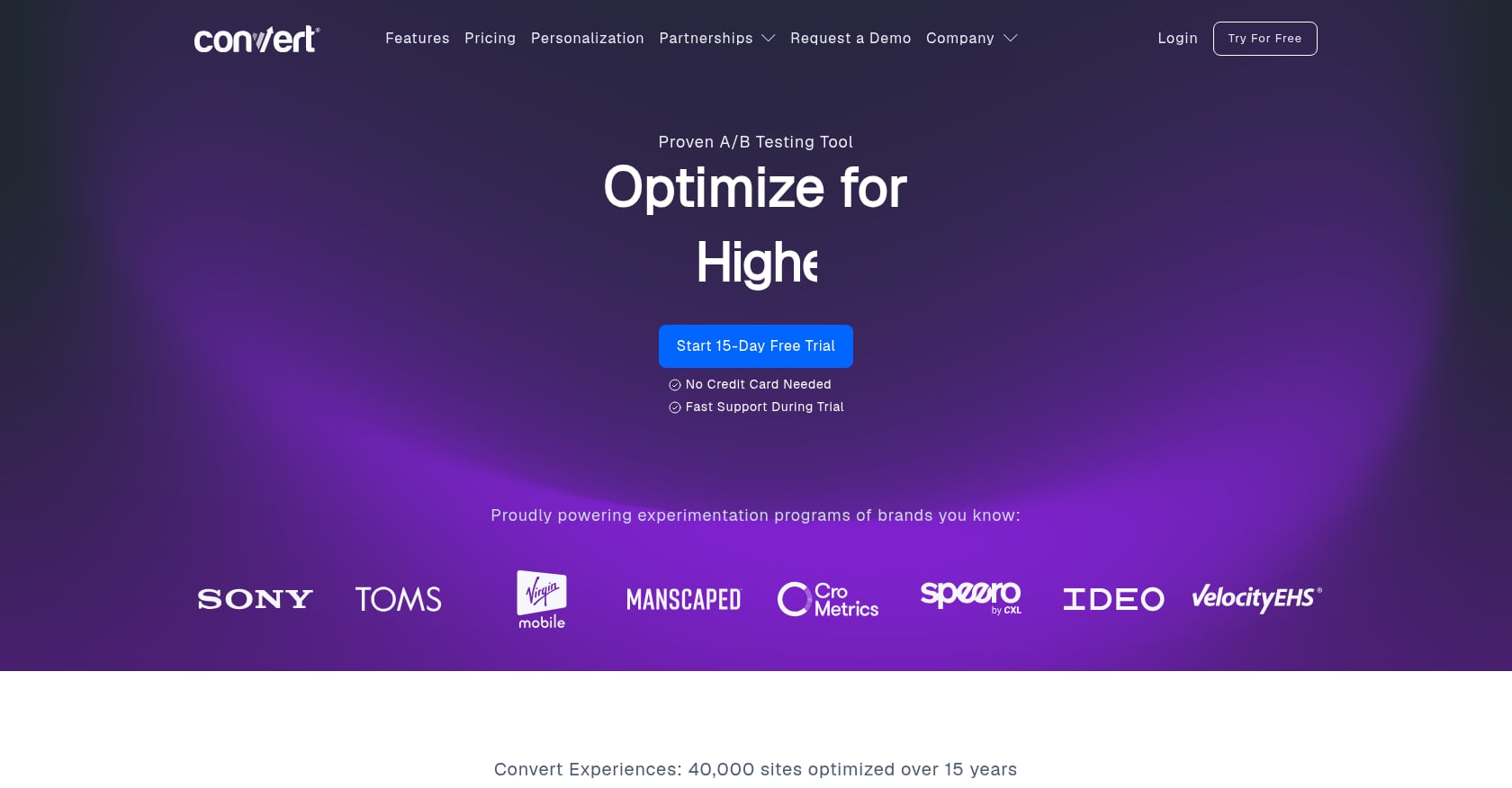
Best for: Agencies managing CRO across multiple clients in regulated industries requiring GDPR and CCPA compliance.
Pricing:
- Plans start at approximately $99/month billed annually (sources differ, with some listing $299/mo for testing, likely reflecting different tiers)
- Custom agency pricing available through the Agency Partner Program
Key features:
- Built with privacy at its core: GDPR compliance and first-party cookies
- Visual editor eliminates developer dependency for basic test creation
- 40+ targeting filters for precise audience segmentation
- Flicker-free testing with 200-300ms first loads (a genuine differentiator)
- Import and Export Templates feature for scaling experimentation across client accounts
- Unlimited collaborators with granular, role-based permissions
Agency angle: The Agency Partner Program provides multi-client management features specifically designed for agency workflows. The template import/export system means you can build a test on one client site and replicate the framework across similar clients quickly.
Honest tradeoffs:
- Less broad than full digital experience platforms; you’ll need separate tools for heatmaps, surveys, or recordings
- Requires technical expertise for complex implementations, with specific limitations for SPA frameworks like React and Vue
- Smaller community and fewer third-party resources compared to VWO or Optimizely
- Pricing tiers and feature inclusion can be confusing across sources
3. Optimizely
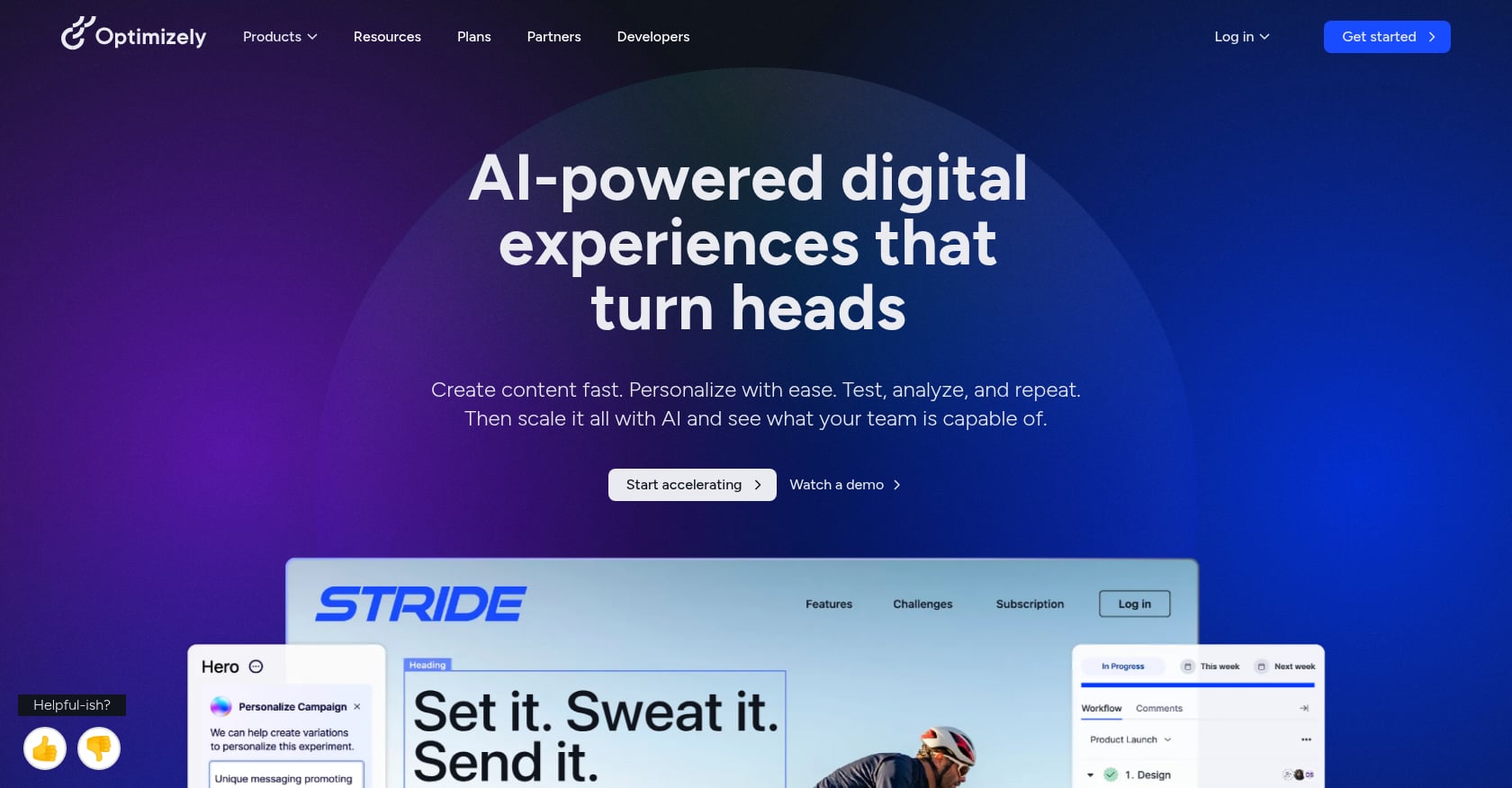
Best for: Enterprise agencies with complex experimentation needs, engineering resources, and budgets to match.
Pricing:
- Enterprise pricing starts at $36,000+/year, with many sources citing $50,000+/year
- Contact sales required (no self-serve pricing)
- Entry costs run approximately 50% higher than VWO
Key features:
- A/B testing, multivariate testing, and full factorial testing
- Feature flagging for product teams
- AI-powered personalization
- Server-side testing for performance-sensitive implementations
- Industry-leading statistical rigor and analysis capabilities
What users say: The consensus is clear: Optimizely offers the deepest experimentation capabilities available, but at a price that excludes most small and mid-size agencies. Enterprise-level pricing is the most common complaint, followed by client-side testing performance and a steep learning curve for advanced features.
Honest tradeoffs:
- Price alone eliminates this for agencies with annual CRO tool budgets under $50K
- Heavy implementation requiring engineering resources
- Overkill for agencies running simple page-level tests
- The learning curve for advanced features requires significant time investment
For agencies considering Optimizely, the question isn’t whether it’s powerful. It is. The question is whether your client base generates enough testing volume and revenue to justify the cost. If you’re running 2-3 tests per month across a handful of clients, VWO or Convert will deliver 90% of the value at a fraction of the price.
Layer 4: Build
1. Unbounce
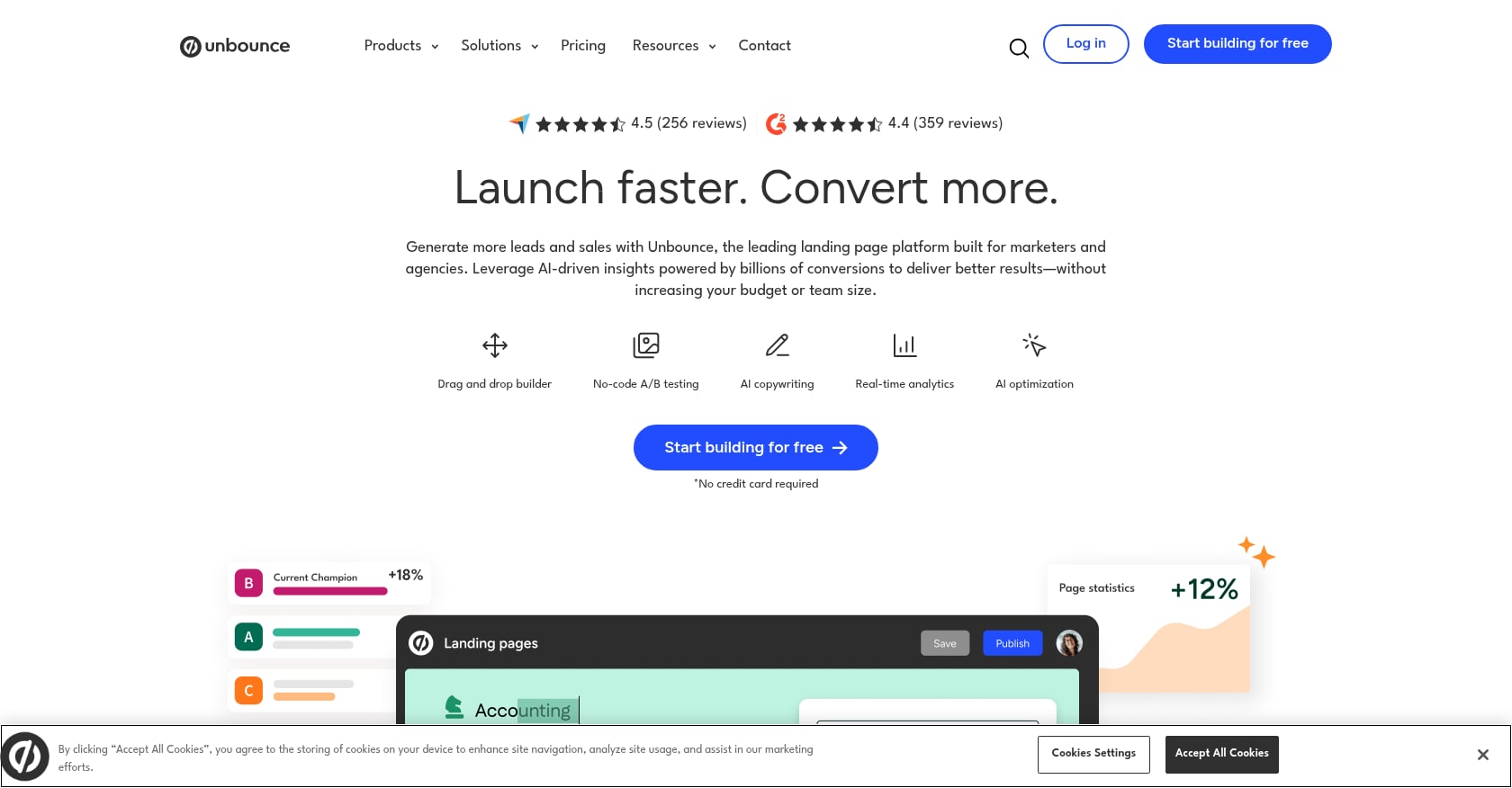
Best for: Agencies running paid traffic campaigns that need to build and test landing pages fast.
Pricing:
- Build: $99/month ($74/month billed annually)
- Experiment: $149/month ($112/month annually)
- Optimize: $249/month ($187/month annually)
- Agency: custom pricing starting at 100K visitors
Key features:
- Drag-and-drop landing page builder with no coding required
- Built-in A/B testing for page variants
- Smart Traffic AI automatically routes visitors to the variant most likely to convert for them
- Popups and sticky bars for on-page conversion elements
- Template library for rapid page creation
Personalized CTAs perform 202% better than generic versions, which is exactly what Smart Traffic aims to deliver at scale. For agencies running paid campaigns, this matters because every percentage point of conversion improvement reduces cost per acquisition.
The landing page optimization guide covers the foundational elements that should be in place before you start building variants.
Honest tradeoffs:
- Only optimizes landing pages built on Unbounce (not your client’s existing site pages)
- Smart Traffic needs at least 30-50 visits before it starts routing intelligently
- Custom agency pricing is not published; you’ll need to negotiate
- Not a full-site CRO tool. Think of it as a campaign-specific builder.
Foundation Layer: Measure
1. Google Analytics 4
Best for: Every agency, as the baseline analytics layer. This is not optional.
Pricing: Free. The paid version (Analytics 360) starts at $150,000+/year, but 99% of businesses find the free GA4 sufficient for CRO work.
Key features:
- Event-based tracking captures detailed user interactions
- Conversion tracking and goal setup
- Audience insights and segmentation
- Funnel exploration reports
- Integration with virtually every other tool on this list
The Google Optimize void: Since Google Optimize was sunset in September 2023, GA4 no longer includes any built-in testing capability. It’s purely a measurement and analysis tool now. Agencies that previously relied on the free Optimize for SMB client testing have had to either absorb the cost of paid testing platforms or stop running tests for smaller clients altogether.
Honest tradeoffs:
- No A/B testing (post-Optimize sunset)
- Complex setup, especially for custom events and ecommerce tracking
- Requires separate tools for behavioral insights, testing, and page building
- Data sampling on high-traffic properties can skew results without the paid tier
How to Build Your Agency CRO Stack by Budget
The CRO software market delivers an average ROI of 223% for companies using these tools. But the right stack depends entirely on your agency’s size, client base, and retainer structure. On average, businesses spend almost $2,000 a month on CRO tools, but that number includes enterprise players pulling the average up.
Here’s how to think about it practically.
Under $200/month: The Lean Stack
Tools: Conversion Score Pro ($99/mo) + Microsoft Clarity (free) + GA4 (free)
Total: $99/month
This stack covers diagnostics, behavioral observation, and measurement. You can audit client pages in under 2 minutes, watch session recordings for free, and track results in GA4. No A/B testing, but for agencies whose clients don’t have enough traffic for meaningful tests (under 10,000 monthly visitors), this is the honest right answer.
Compare Pro plan pricing to see how unlimited audits scale across your client roster.
$200-$500/month: The Growth Stack
Tools: Conversion Score Pro ($99/mo) + Hotjar Observe ($89/mo) + Crazy Egg Standard ($49/mo) + GA4 (free)
Total: ~$237/month
Adds Hotjar’s survey capabilities for qualitative research and Crazy Egg’s basic A/B testing for simple experiments. This works for agencies with 5-15 clients where some have enough traffic for testing and others need the diagnostic-first approach.
$500+/month: The Full Stack
Tools: Conversion Score Pro ($99/mo) + Hotjar Business ($213/mo) + VWO Testing (~$314/mo) + Unbounce Experiment ($112/mo) + GA4 (free)
Total: ~$738/month
The complete diagnose-observe-test-build workflow. Suitable for agencies with CRO as a core service offering, managing 10+ clients with meaningful traffic volumes. Swap VWO for Convert if your clients operate in regulated industries.
For agencies evaluating the ROI of adding these tools, the CRO ROI calculator helps model the revenue impact against tool costs.
The AI Shift in Agency CRO
The role of AI across these tools deserves a brief spotlight. Currently, 62% of CRO professionals use AI tools for hypothesis generation, traffic allocation, and results analysis. This isn’t a future trend. It’s the current reality.
AI changes the agency CRO workflow in three specific ways:
Faster diagnostics. Tools using AI vision and DOM analysis can surface conversion issues in seconds that previously required hours of manual review. For agencies billing by deliverable rather than by hour, this is pure margin improvement.
Smarter testing. AI-powered A/B testing reaches statistical significance 31% faster, with organizations achieving valid results in an average of 14 days compared to 21 for traditional tools. For agencies running monthly retainer cycles, that’s the difference between reporting results this month or next month.
Automated prioritization. Instead of relying on gut instinct or committee debates about what to test next, AI-driven scoring systems produce ranked recommendations with rationale attached. This is especially valuable when presenting to clients who want to understand why you’re testing headline copy before form layout.
The CRO checklist maps these AI-informed priorities against a structured audit framework.
FAQ
What replaced Google Optimize for free A/B testing?
Nothing has fully replaced it. Google Optimize was the only free A/B testing tool with widespread adoption, and its shutdown in September 2023 left a genuine void. The closest alternatives are Crazy Egg (starting at $29/month with basic testing) or VWO’s free Starter plan (heavily limited). For agencies whose clients can’t justify a paid testing tool, the practical alternative is shifting to AI-powered diagnostics and heuristic audits that identify likely wins without requiring controlled experiments.
Do I need A/B testing tools if my client’s traffic is low?
Not yet. Meaningful A/B testing requires at least 10,000-20,000 monthly visitors per tested page to reach statistical significance in a reasonable timeframe. For clients below that threshold, diagnostic tools and behavioral analytics provide more actionable value. Focus on fixing obvious conversion issues identified through audits and session recordings first, then introduce A/B testing once traffic supports it.
How many conversion optimization tools do agencies actually need?
Most agencies operate effectively with 3-4 tools spanning the diagnose-observe-test-build framework. The specific tools depend on budget, client volume, and whether you need testing capabilities. Starting with a diagnostic tool, one behavioral analytics platform, and GA4 covers the essentials. Add a testing tool when client traffic justifies it.
Can AI audit tools replace traditional manual CRO audits?
They can replace the initial assessment phase at a fraction of the cost. Traditional agency CRO audits run $5,000-$15,000 per engagement and take weeks. AI-powered diagnostics deliver comparable initial findings in under two minutes for $99/month. The tradeoff is that AI audits work from heuristics and visual analysis rather than deep qualitative research, so they’re best used as the starting point that identifies priorities, not the final word on what to change.
What’s the biggest conversion opportunity most agencies miss?
Mobile optimization. Mobile conversion rates average around 1.53% compared to 4.14% for desktop, yet many agencies still design and audit primarily for desktop experiences. Tools that specifically flag mobile CTA visibility issues, above-the-fold problems on smaller screens, and touch-target sizing gaps deliver outsized value because the performance gap is so large.
How do agencies handle multi-client billing with CRO tools?
This varies widely. Some tools (VWO, Convert) offer agency-specific plans with multi-client management built in. Others charge per-site or per-session, which compounds costs as you add clients. The most cost-effective approach is choosing tools with unlimited site coverage (like Crazy Egg’s unlimited domains or Conversion Score’s unlimited audits on Pro) and avoiding session-based pricing models that scale poorly.
What’s the real cost of a full agency CRO stack?
Anywhere from $99/month for a lean diagnostic-plus-free-tools setup to $5,000+/month for enterprise stacks with Optimizely and full Contentsquare. The median agency spends roughly $500-$1,000/month on CRO tools. The key is matching tool investment to client revenue; if your average CRO retainer is $3,000/month, spending $2,000/month on tools doesn’t make sense.
Start With Diagnosis
Every conversion optimization engagement should begin with understanding what’s actually broken. Before installing scripts, before collecting sessions, before designing experiments, you need a clear picture of where conversion potential is being left on the table.
Run a free website analysis to see your page scored across six conversion pillars, with prioritized recommendations and a downloadable PDF, in under two minutes. No script installation, no credit card, no waiting for traffic data.
Read more guides on the CRO blog, run a free conversion audit on your own site, or see Pro plans for unlimited audits.